





Freecell Solitaire 2017




















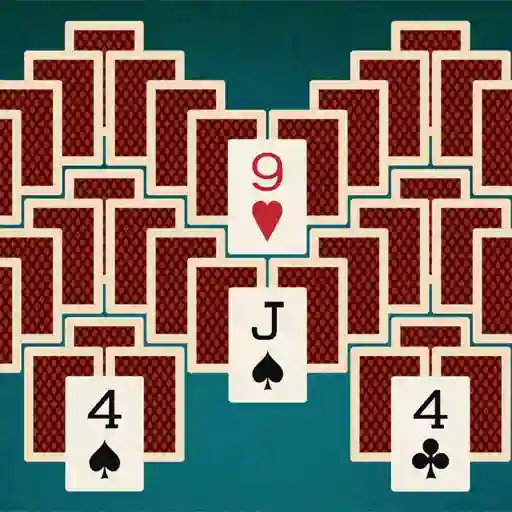








Freecell Solitaire 2017
Play Freecell Solitaire 2017, the classic card game challenge! Find all Ace cards and stack them in order using free cells. Enjoy this engaging solitaire experience on mobile or desktop. Fun for all ages!
What is Freecell Solitaire 2017?
Freecell Solitaire 2017 is a modern digital adaptation of the classic card game Freecell Solitaire. Developed by Agame, this version challenges players to strategically move cards across the tableau to build foundation piles in ascending order from Ace to King. The twist? You have four "free cells" to temporarily store cards during gameplay. It's a brain-teasing puzzle that tests your planning skills and patience as you work to clear the entire board.
Game Features
• Classic Freecell Rules: Experience the timeless card game with standard Freecell mechanics
• Four Free Cells: Temporarily store cards in designated slots to unlock strategic moves
• Foundation Building: Organize cards by suit from Ace to King in the foundation piles
• Undo Function: Reverse your last move if you spot a better strategy
• Clean Visual Design: Enjoy crisp card graphics and intuitive table layout
• Hint System: Get suggestions when you're stuck on a tricky move
• Multiple Difficulty Levels: Adjust challenge intensity to match your skill
How to Play Freecell Solitaire 2017?
- Objective: Move all cards to the foundation piles at the top right, sorted by suit from Ace to King
- Setup: The game deals 52 cards into 8 tableau columns (6-7 cards per column) with four empty free cells and four empty foundation piles
- Card Movement:
- Mouse: Drag and drop cards with left-click
- Keyboard: Use arrow keys to select cards, then press Enter to pick up/drop
- Rules:
- Move cards to free cells (max one card per cell) to temporarily clear space
- Build tableau columns downward in alternating colors (e.g., red 7 on black 8)
- Only Kings or complete descending sequences can occupy empty tableau columns
- Move Aces to foundations first, then build upward in suit sequence
- Special Controls:
- Right-click: Auto-move eligible cards to foundations
- Spacebar: Activate hint when available
- Ctrl+Z: Undo your last move
Frequently Asked Questions
Can I move multiple cards at once?
Yes! You can move sequences of cards if you have enough free cells or empty tableau columns. The number of movable cards equals (number of free cells + 1) squared.
What happens if I run out of moves?
Unlike Klondike Solitaire, Freecell is mathematically solvable in nearly all deals. If stuck, use the undo button to backtrack or the hint system for suggestions.
Is there a scoring system?
While scoring varies, most versions reward faster completions and penalize excessive undos. Focus on clearing the tableau efficiently for the best results.