EG Solitaire King: Play free online solitaire card games for all ages! Enjoy addictive arcade-style solitaire action anywhere, anytime. Fun for kids, teens, and adults!
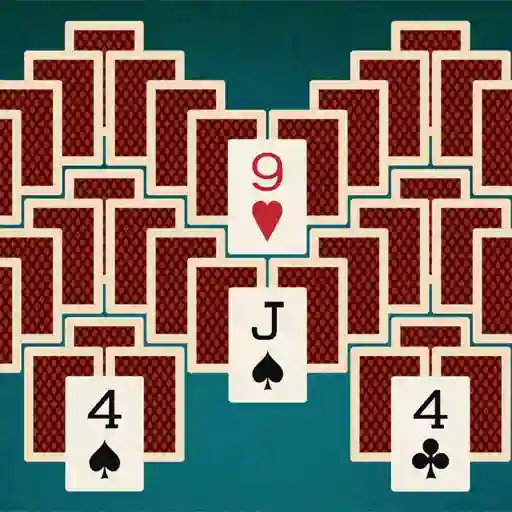
EG Solitaire King is a classic card game experience that puts a fresh spin on traditional solitaire. Developed by EcapsGames.com, this arcade-style solitaire game offers straightforward yet addictive gameplay suitable for players of all ages. Enjoy the timeless challenge of organizing cards wherever you play, with intuitive controls and clean visuals that make it easy to dive into quick sessions or extended play.
• Classic Solitaire Rules: Play the beloved Klondike solitaire format with standard 52-card deck mechanics
• Simple Visual Design: Clean card layouts and clear symbols for effortless gameplay
• Quick Restart: Instantly begin new games without lengthy loading times
• Universal Appeal: Suitable for all skill levels, from beginners to card game veterans
• No Distractions: Focused gameplay without intrusive ads or complicated menus
Controls:
How do I move multiple cards at once?
You can drag sequences of descending, alternating-colored cards together as a group to empty tableau spaces or onto appropriate foundation piles.
What happens when I run out of moves?
Click the draw pile to reveal new cards. If the draw pile is empty, you can redeal unused cards to continue playing.
Can I undo mistakes during gameplay?
Yes! Press the Z key or look for the undo button to reverse your last move. This helps recover from accidental placements or strategic errors.